

How to Make Your Desk Chair More Comfortable: 6 Expert Tips
Discover expert tips from STARJOY on how to make your desk chair more comfortable. Enhance your work environment with six proven strategies, ensuring maximum comfort and productivity. From adjusting chair height to adding lumbar support, our guide helps you tailor your chair to your needs. Elevate your office experience by following these simple solutions today.
Preface
How Do I Make My Desk Chair More Comfortable?

How to Fix an Uncomfortable Office Chair?
How to Sit Comfortably in an Office Chair?
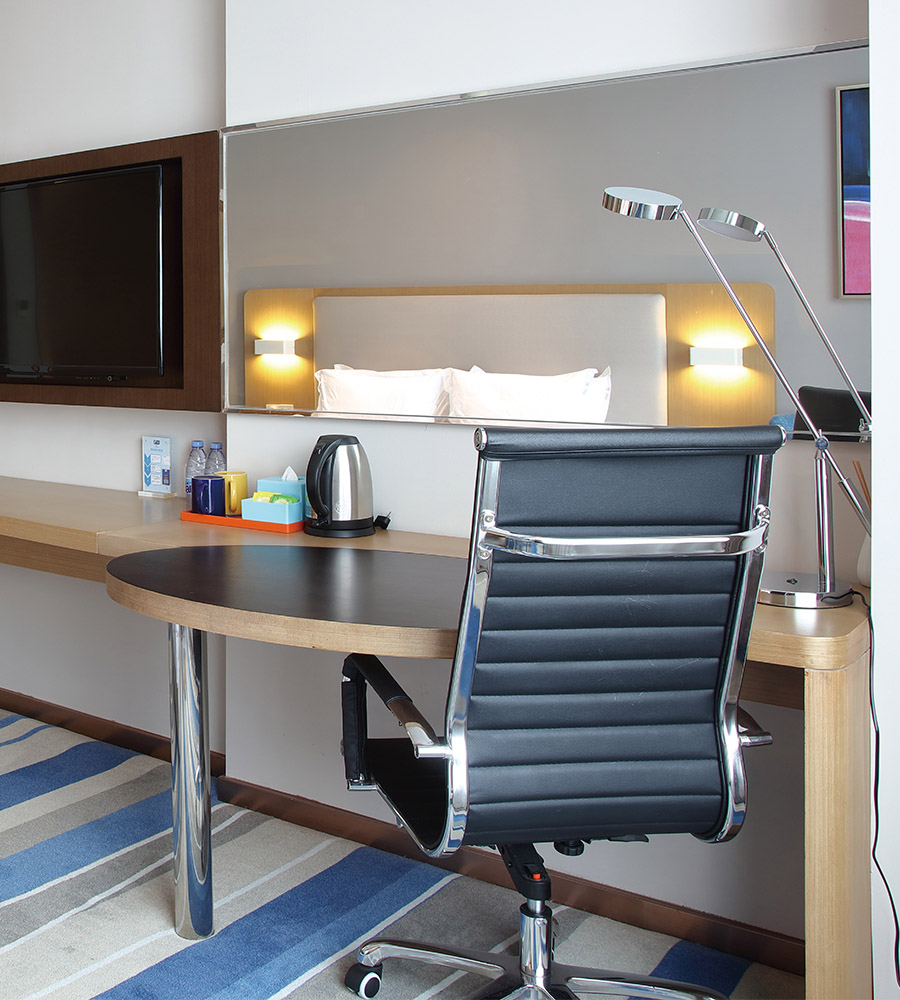
How to Add Cushion to an Office Chair?
Conclusion
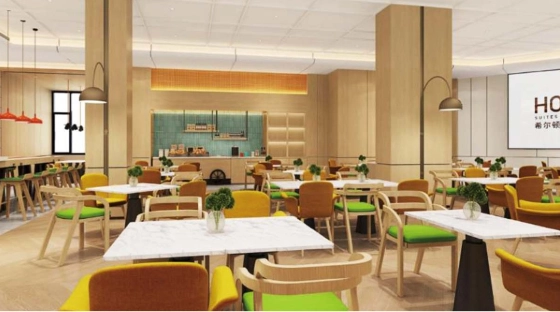
A Step-by-Step Guide to Implementing Professional Custom Hotel Furniture Solutions
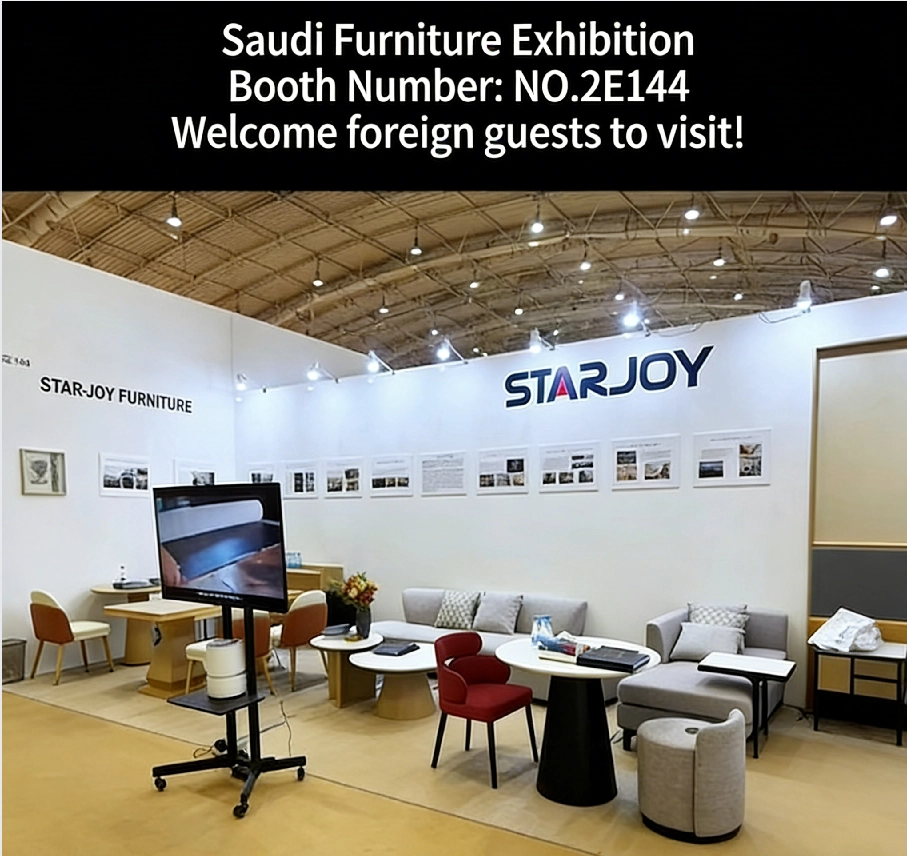
Starjoy Successfully Participated in Saudi Furniture Exhibition 2025 | International Hotel Furniture Supplier
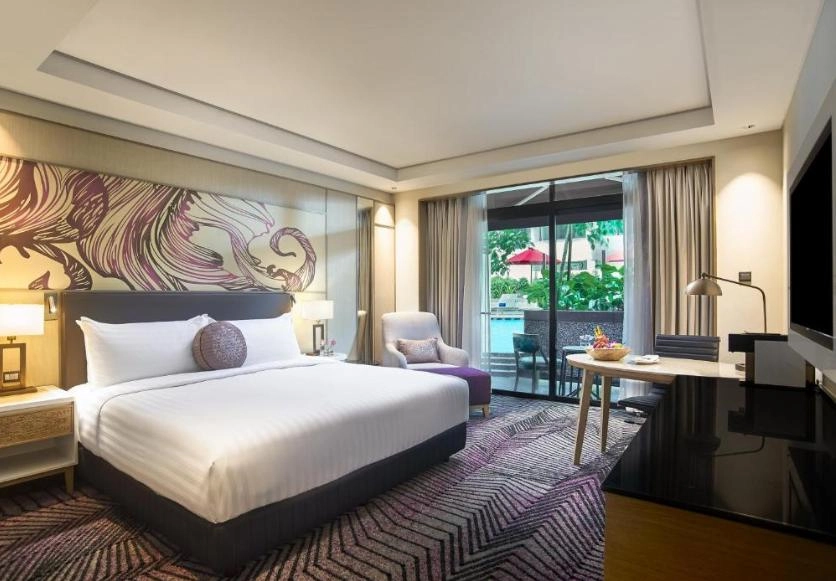
Starjoy Hotel Furniture: Crafting Premium Hospitality Spaces with Custom Solutions
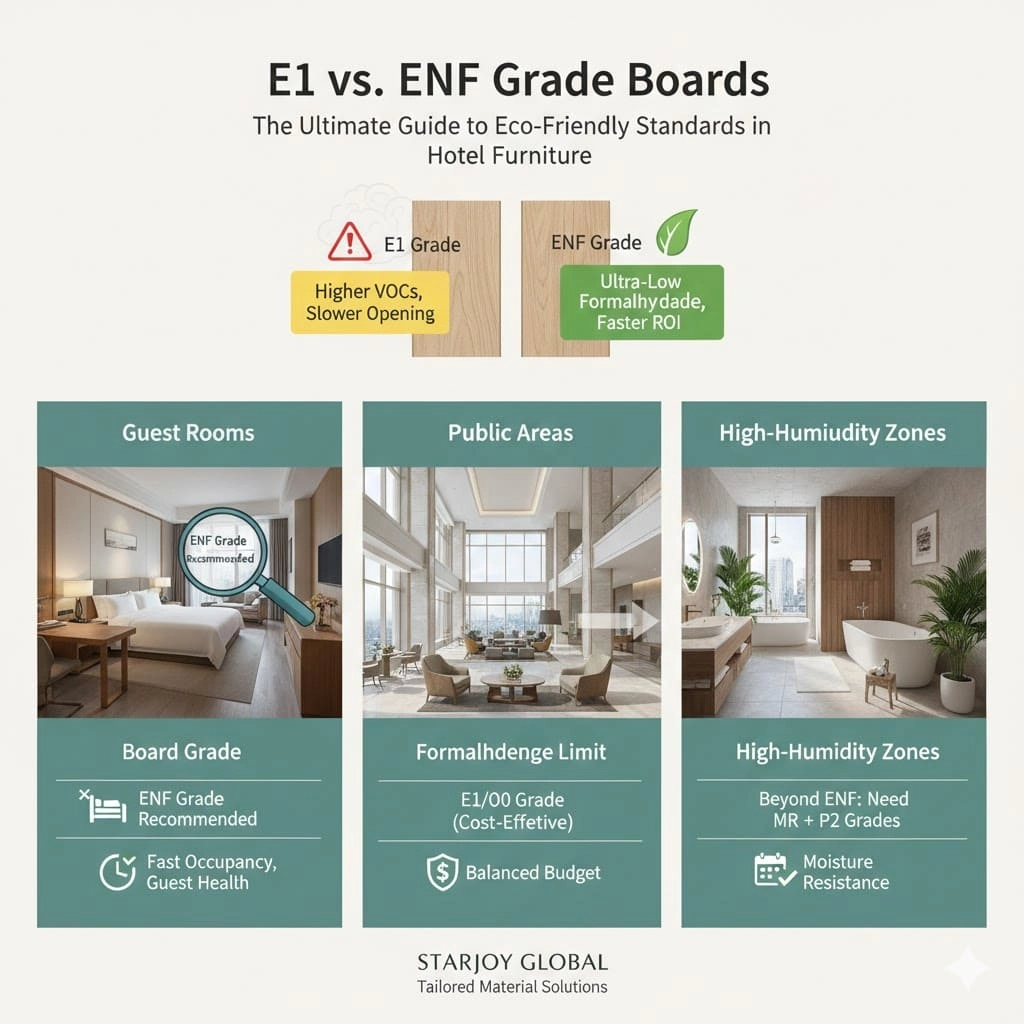
E1 vs. ENF Grade Boards: The Ultimate Guide to Eco-Friendly Standards in Hotel Furniture
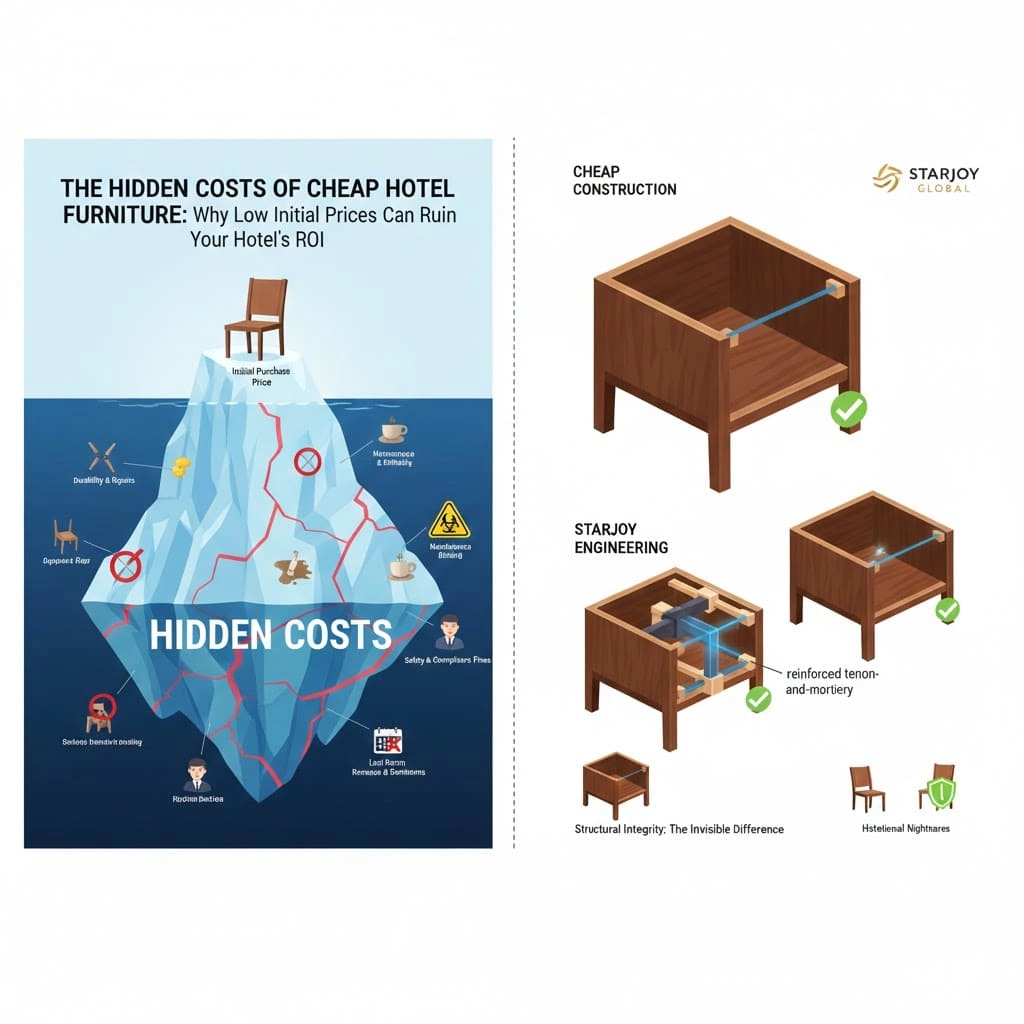
The Hidden Costs of Cheap Hotel Furniture: Why Low Initial Prices Can Ruin Your Hotel’s ROI
Why Choose STARJOY
What sets Starjoy Hotel Furniture apart from other suppliers?
Starjoy stands out due to our long history of nearly 20 years in the industry. Our expertise spans research, design, manufacturing, and installation. We also focus on providing one-stop solutions, which include personalized design, production, timely delivery, and professional installation.
Our furniture is built using advanced machinery and high-quality materials, ensuring that all products meet the highest standards of durability and functionality. We also offer customized solutions based on our clients' needs and hotel themes.
About Cooperation Process
How to sign a cooperation agreement?
We will provide you with a draft cooperation agreement, which will be signed by both parties after confirmation to ensure the legality and standardization of the cooperation process.
About Products and Services
If there is a problem with the product, what after-sales service do you provide?
We provide comprehensive after-sales service, including return and exchange of product quality problem, repair, etc. If you encounter any problems during use, you can contact our customer service team at any time and we will solve it for you as soon as possible.
Are your products expensive?
We will select the most suitable materials and processes according to customer need, and meet the specific requirement of customers in a relatively economical way.
Products
What is the MOQ of your products?
Different situations have different MOQ. We make customized models, which depends on the specific materials and dimensions of your product. You can tell me the specific requirements of the product, and we will give you a quote.
Get in Touch
We strive to provide the most thoughtful service, excellent quality and value to every customer who customizes hotel furniture from STARJOY. If you have any questions about your order, please contact us.

No.19, Gulou Industrial Zone, Jianggao Town, Baiyun District, Guangzhou
monica@starjoyglobal.com


